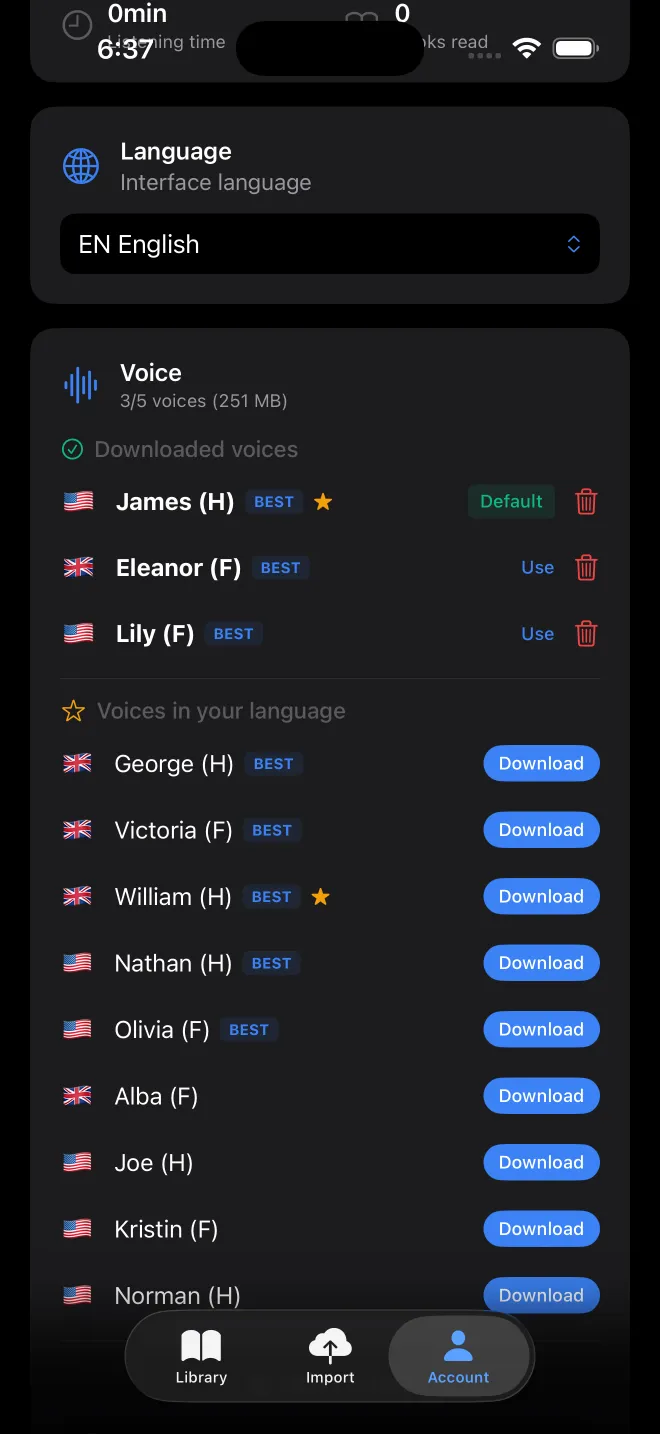
Every language, with its voice count
| Language | Premium | Standard |
|---|---|---|
| Arabic | 4 | 1 |
| Bulgarian | 4 | 1 |
| Catalan | 0 | 1 |
| Croatian | 4 | 0 |
| Czech | 4 | 1 |
| Danish | 4 | 1 |
| Dutch (Netherlands, Belgium) | 8 | 5 |
| English (US, UK) | 16 | 7 |
| Finnish | 4 | 1 |
| French | 8 | 1 |
| German | 4 | 2 |
| Greek | 4 | 1 |
| Hindi | 4 | 1 |
| Hungarian | 4 | 2 |
| Icelandic | 0 | 4 |
| Indonesian | 4 | 0 |
| Italian | 4 | 1 |
| Japanese | 4 | 0 |
| Korean | 4 | 0 |
| Latvian | 4 | 1 |
| Malayalam | 0 | 2 |
| Nepali | 0 | 1 |
| Norwegian | 0 | 1 |
| Persian | 0 | 4 |
| Polish | 4 | 3 |
| Portuguese (Portugal, Brazil) | 8 | 4 |
| Romanian | 4 | 1 |
| Russian | 4 | 3 |
| Slovak | 4 | 1 |
| Slovenian | 4 | 1 |
| Spanish | 8 | 2 |
| Swedish | 4 | 1 |
| Telugu | 0 | 3 |
| Turkish | 4 | 0 |
| Ukrainian | 4 | 1 |
| Vietnamese | 4 | 1 |
These are the voices active in the app's catalogue (version 3.0.5). There are no Chinese voices. The two kinds of voice are compared on the text to speech page.
How a book gets its voice
At import, VocaRead takes the language declared in the file and checks it against the text. It can fill in a missing language, but it overrides a declared one only when it is highly confident, so a foreign preface does not change a whole book. When you open the book, it picks a suitable voice you have downloaded. If you change it, that choice stays with the book.
Listening in another language
Normally the voice and the book share a language. Between English, French, Spanish, German and Dutch, you can go further and have a book translated on the device while it is read. The first time, you download a pack for that pair of languages, and it then works offline. For any other pair, the voice list marks the voice as unavailable for that book.
The translation is machine-made by Google ML Kit, running locally. It helps you follow a text, and it will not match a published translation.