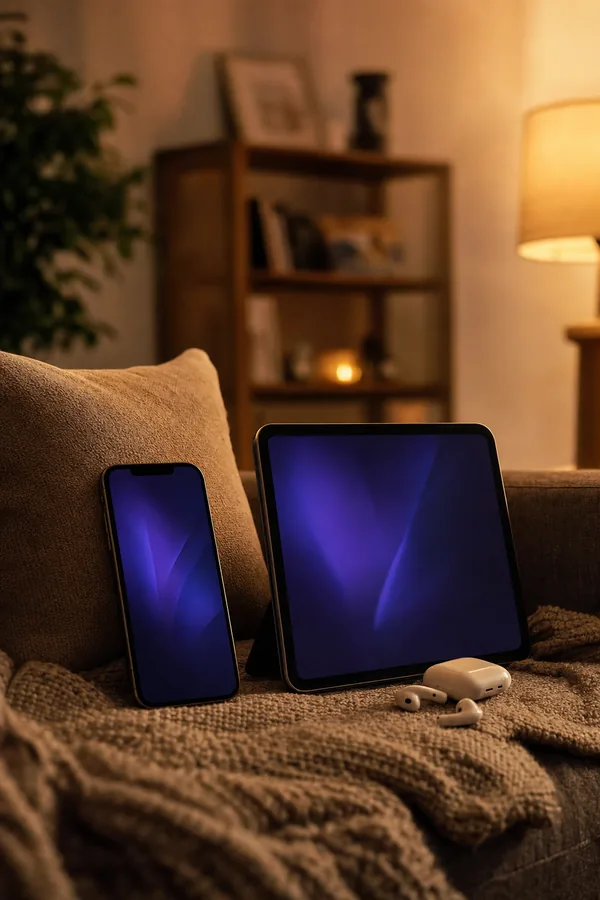
VocaRead Features: AI Voices, Offline Audiobooks & More
Seven pages, one per feature, with the settings and the limits of each.
Voices generated on your iPhone
VocaRead reads your books with its own neural voices, not the voices built into iOS. The speech is generated on the iPhone or iPad, sentence by sentence, without sending your text anywhere.
Natural-Sounding Text to Speech on iPhone →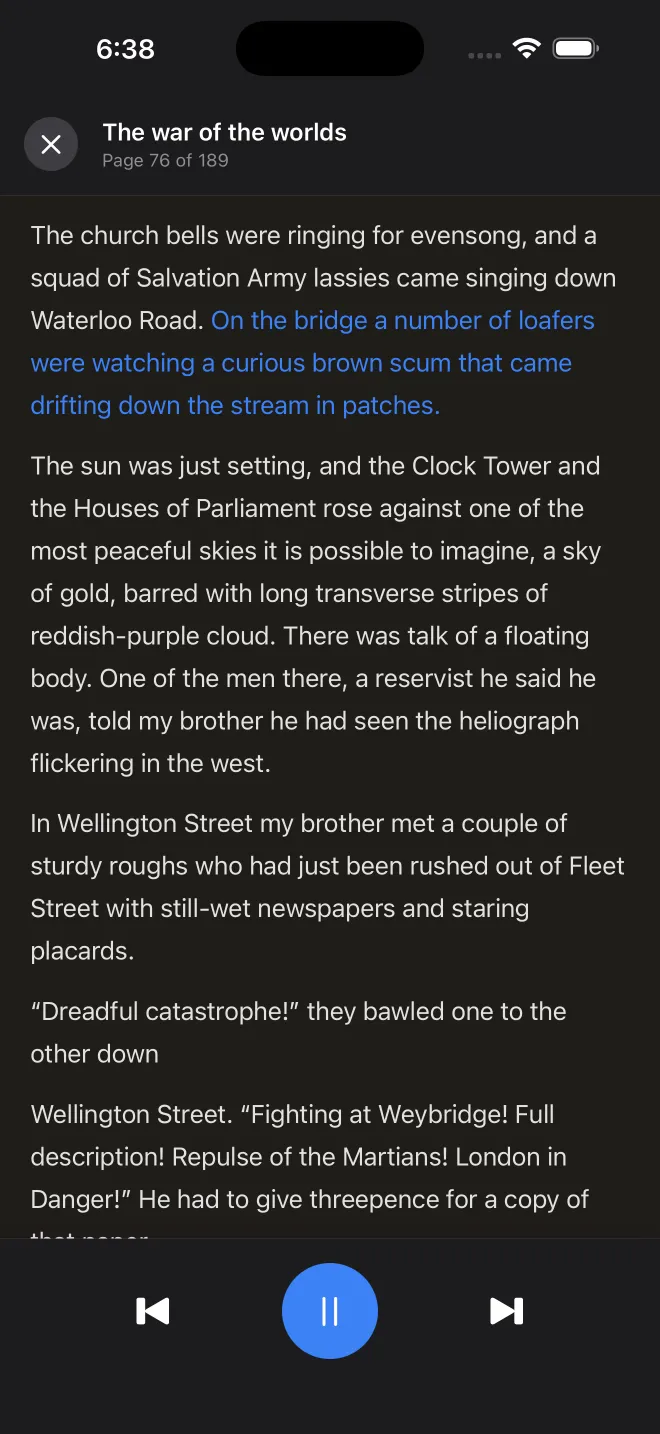
No connection needed to listen
Once a voice is downloaded, VocaRead generates speech on the device. Listening, reading and searching a book you have imported work in airplane mode, with no streaming involved.
Offline Reader for Your Books on iPhone →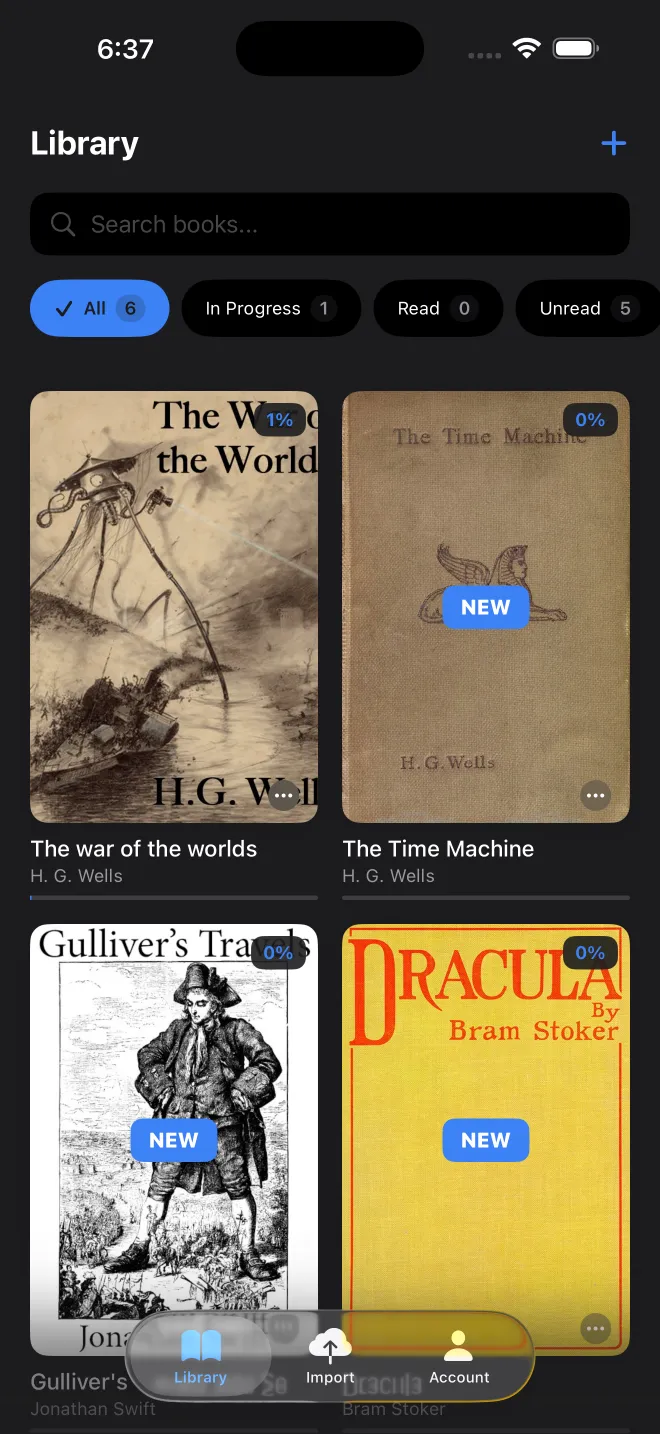
Your own files, read and read aloud
VocaRead opens EPUB, PDF, MOBI, AZW and AZW3 files, plus Word documents and plain text. You can read on screen, listen, or follow the highlighted line while the voice reads.
EPUB Reader for iPhone, with PDF and Kindle Files →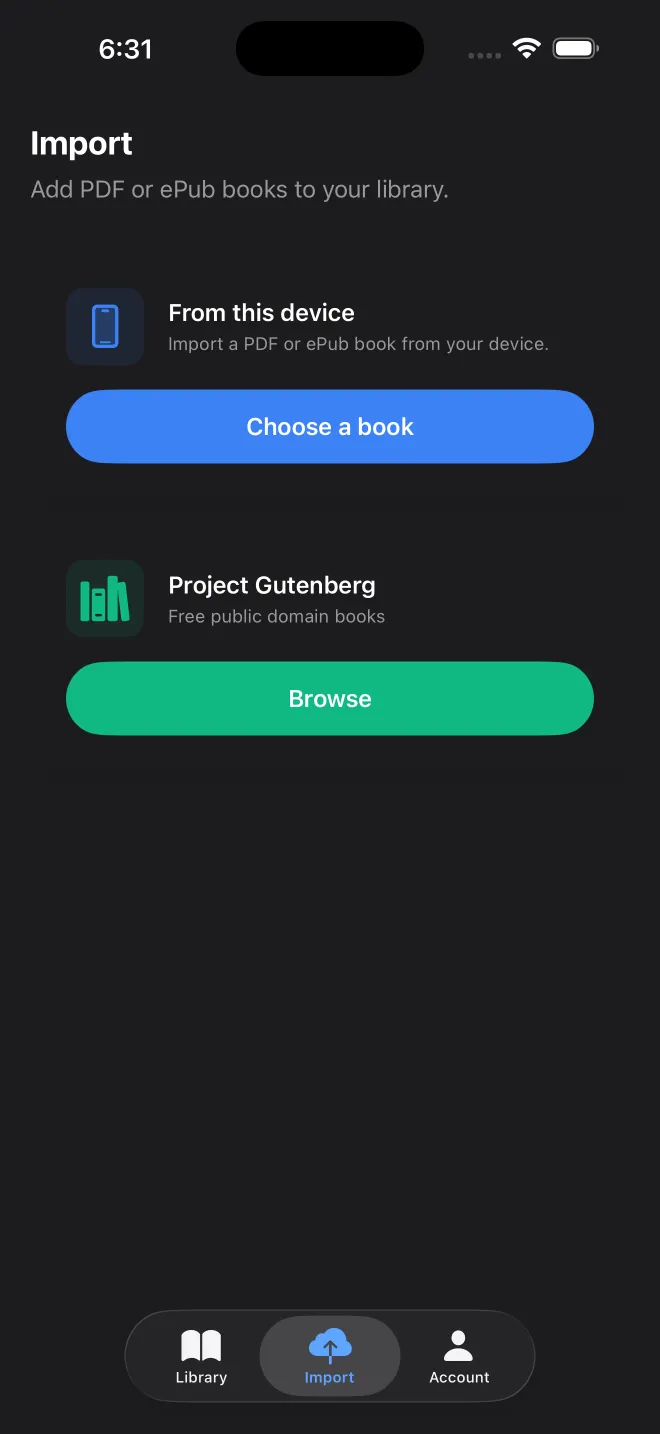
One voice for each book
VocaRead has voices in 36 languages, with uneven coverage from one language to another. Each book keeps its own voice, so a French novel and an English manual can sit side by side.
Voices in 36 Languages →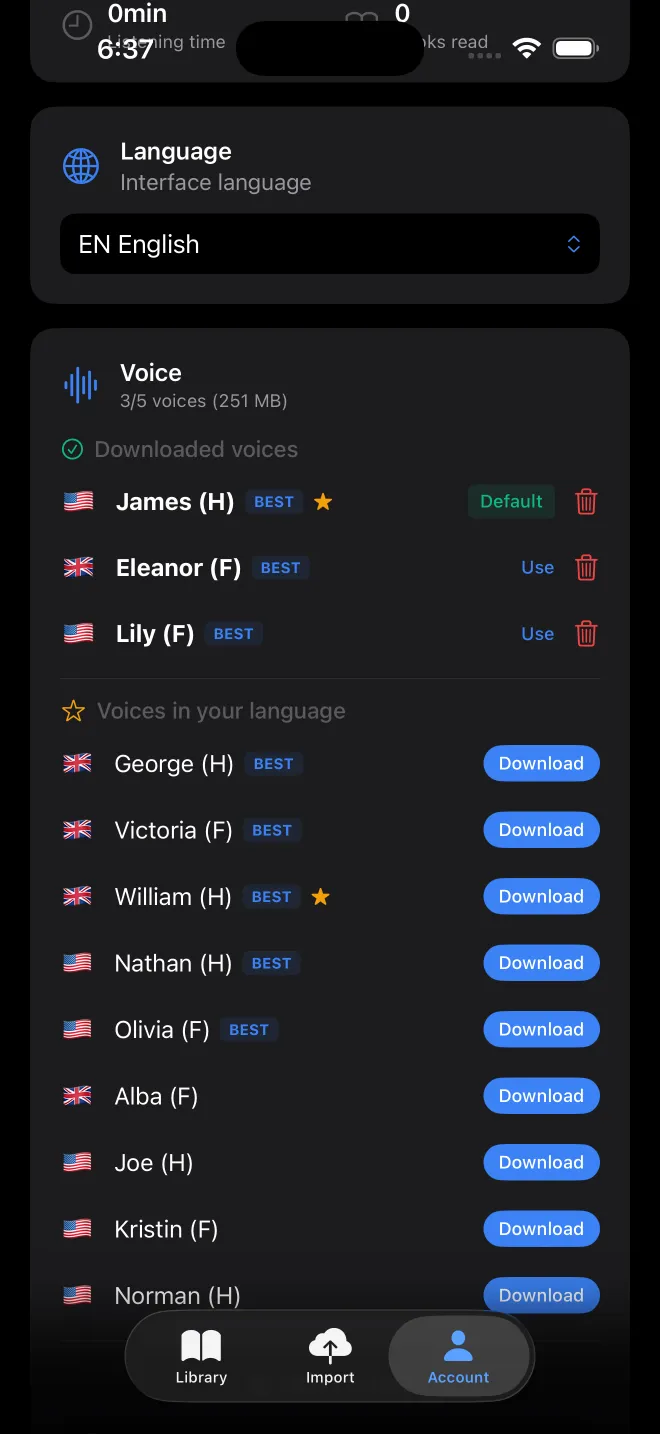
Lock your iPhone, the book carries on
VocaRead keeps reading when you lock your iPhone or switch to another app. There is nothing to turn on: start a book and put the phone away. The lock screen and Control Center let you play, pause and move to the next or previous page.
Background Playback →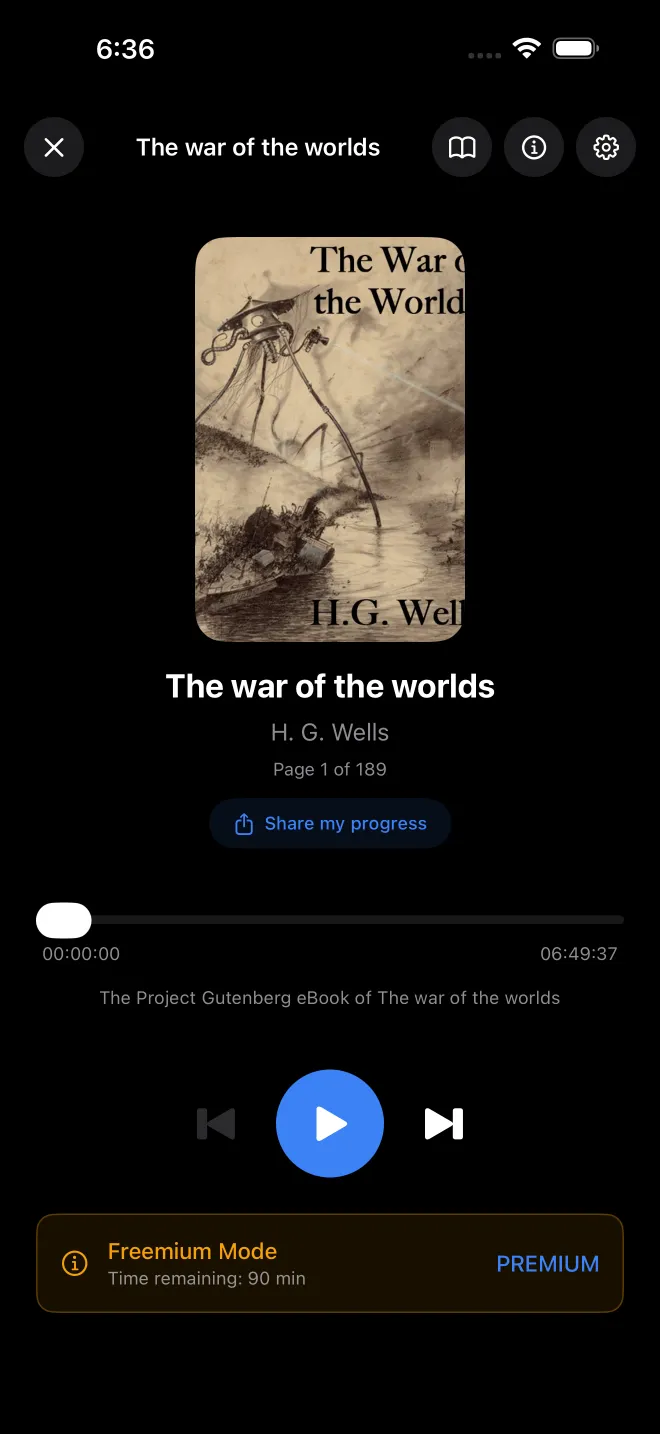
A player in the car, a remote on your wrist
On the CarPlay screen, VocaRead has menus for your library, chapters, voice and speed. The Apple Watch app controls the book open on your iPhone and plays no audio itself.
Your Books on Apple Watch and CarPlay →
Your place, on every device
With iCloud sync on, your position, bookmarks, highlights, reading sessions and pronunciation rules follow you between devices, in your private iCloud database and with no VocaRead account.
iCloud Sync Between iPhone and iPad →