Read your PDFs aloud on iPhone and iPad
Reports, papers, manuals, ebooks — turn the PDFs you'll never sit down to read into something you can listen to anywhere.
PDFs were designed for paper, not for squinting at a phone screen. That's why so many of the documents we save — research papers, reports, manuals, novels — end up unread. VocaRead fixes that by reading your PDFs aloud with a natural AI voice. Instead of pinching and scrolling, you listen on your commute, at the gym, or with your eyes closed, while the current line is highlighted on screen.
What VocaRead cleans up in a PDF, and what it doesn't
Reading a PDF aloud well is harder than it looks. VocaRead repairs words split across lines, normalises typographic ligatures, finds chapters in books, and removes plain page numbers and titles repeated identically at the top of single-column pages. Other repeating lines can still be read aloud, such as a title with its page number beside it. On a report with charts or a course with formulas, expect some noise; if the same document exists as an EPUB, try that first.
Private, offline, and effortless
Your documents never leave your device: the voice is generated on your iPhone, so confidential reports and personal files stay completely private. Download a voice once and listen with no connection at all. Adjust the speed, follow the highlighted text, and use CarPlay or your Apple Watch to control playback hands-free.
Check Your PDF Before a Long Listening Session
Start with a few pages, especially around a chapter boundary or a change of layout. Check that paragraphs are read in the expected order and compare the highlighted text with the original. A scanned PDF needs text recognition; the quality of the scan affects what can be read. Page labels such as “Chapter 3 · Page 12”, tables and formulas may interrupt the narration. If an EPUB edition is available, try it too: its flowing text can be easier to listen to than a fixed PDF layout.
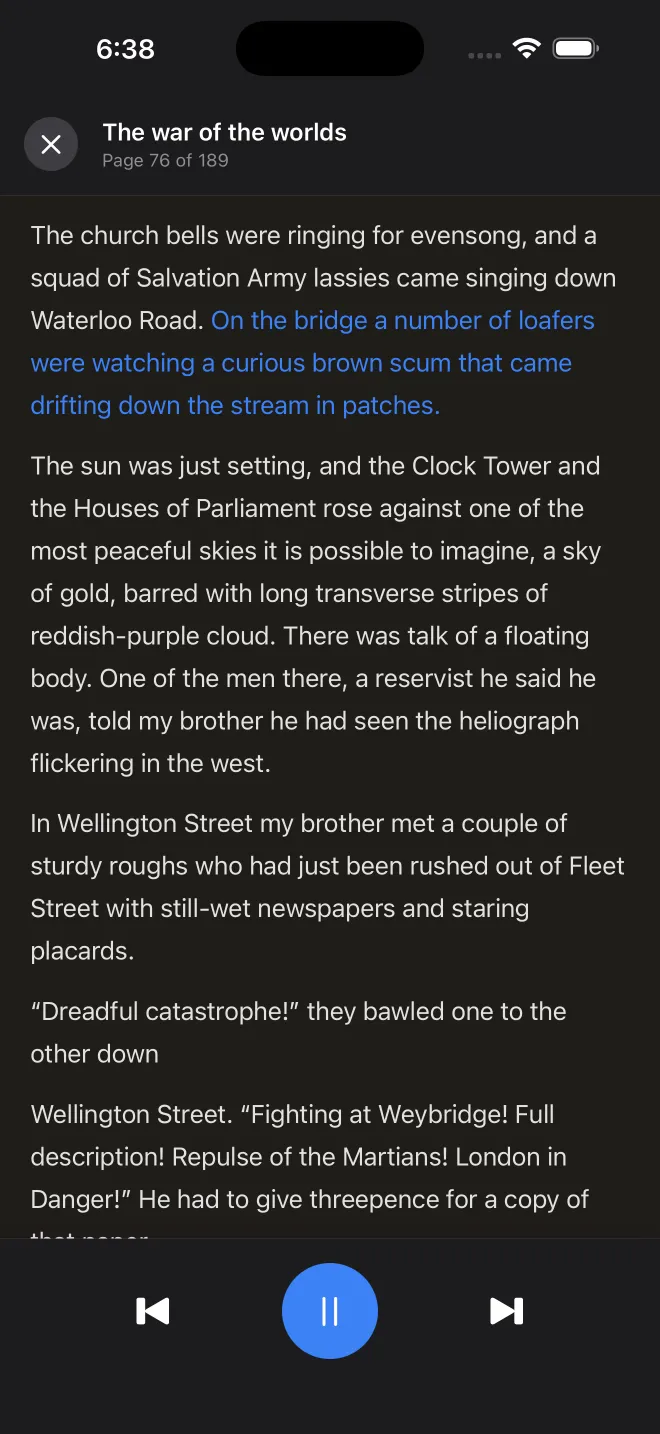
Your PDF, ready to hear
Import your PDF
Add a PDF from your files or open one with "Share → VocaRead" from any app.
Pick a voice
Choose a natural voice in your language and download it once for offline use.
Press play
Listen with chapter navigation, line highlighting and full background controls.