Before a flight or a long train ride
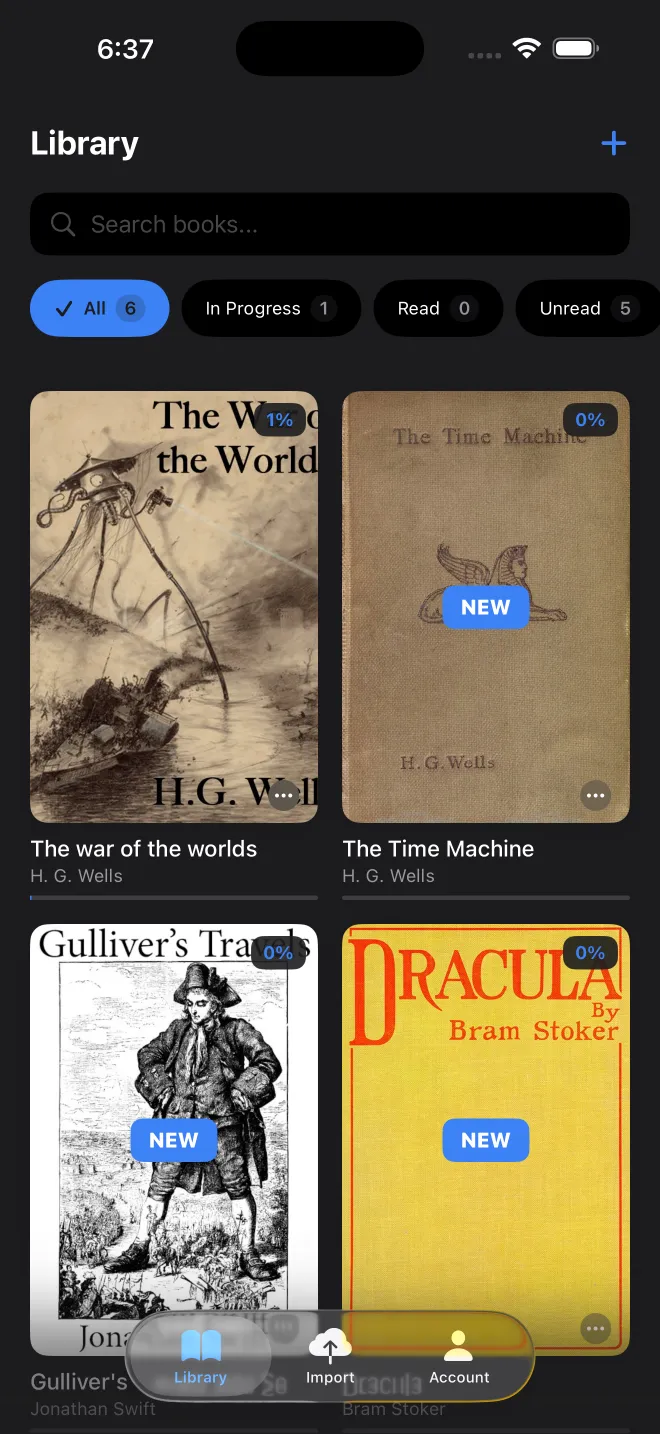
- Import the book. A title from Project Gutenberg or an OPDS catalog has to be downloaded while you still have a connection.
- Download a voice in the book's language. A current premium voice needs an engine of about 400 MB the first time; a standard voice takes 63 to 137 MB. Wi-Fi is the sensible place for that.
- Reading in a different language? Get the translation pack as well, since it is a separate download.
- Switch to airplane mode and play a chapter. It takes a minute and settles the question before you leave.
What needs the network, and what does not
| Action | Offline? |
|---|---|
| Listening, reading, highlighting, searching a book | Yes |
| Importing a file already on the device | Yes |
| Searching the built-in Gutenberg catalogue | Yes |
| Downloading a Gutenberg book or a voice | No |
| Remote OPDS catalogs, importing a web page | No |
| iCloud sync | Waits for the connection |
| Buying Premium | No, it goes through the App Store |
"Offline" does not mean "never online"
Your text is read on the device and is not uploaded for speech. When the app does have a connection, though, a few things leave it. It sends the anonymous usage counters described in the privacy policy, and at import it can look up a book's details by ISBN or title in book catalogues: Open Library, the BnF, the DNB, and Google Books for ISBNs only. iCloud sync, if you turned it on, goes to your private iCloud database.
Storage
Voices take the most room, and you can delete those you no longer use. Generated audio is also kept in a cache, with a size limit you set in your profile, and clearing it never removes a book.